
GALLERY
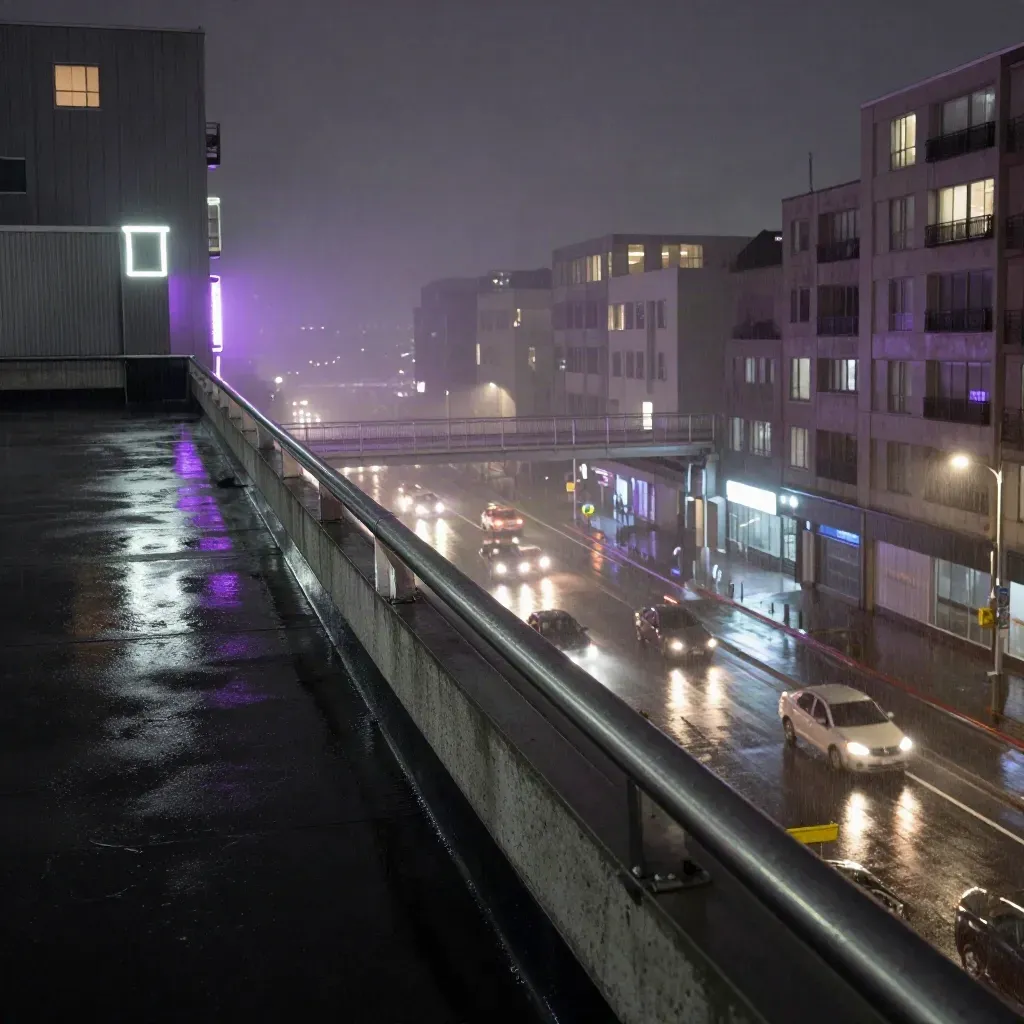
Neon City Gallery
A stack of night scenes, signs, and light trails.
PIXEL ART WORLD
See pixel art galleries, short tutorials, and sprite sheet help for game art and hobby projects.
FEATURED STORIES
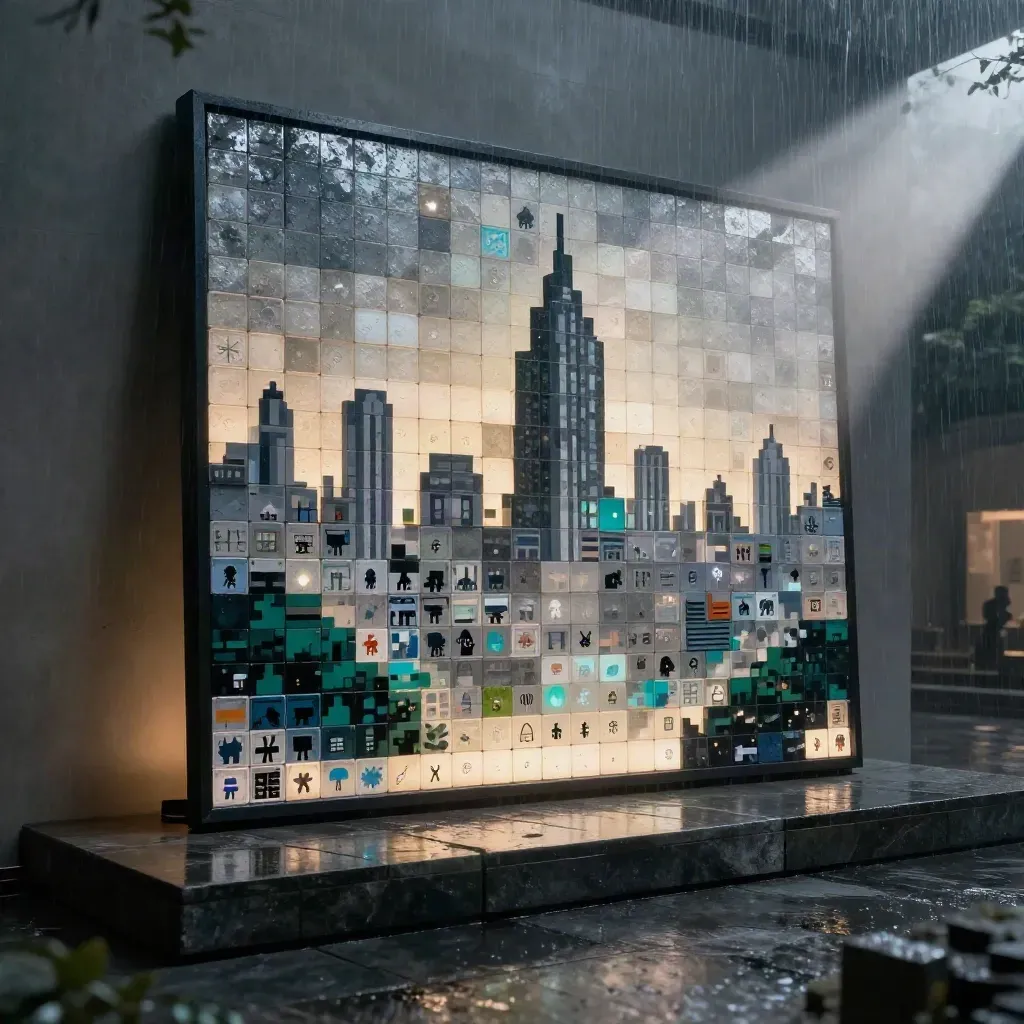
A stack of night scenes, signs, and light trails.
GALLERY
A stack of night scenes, signs, and light trails.

RESOURCE
POSTS
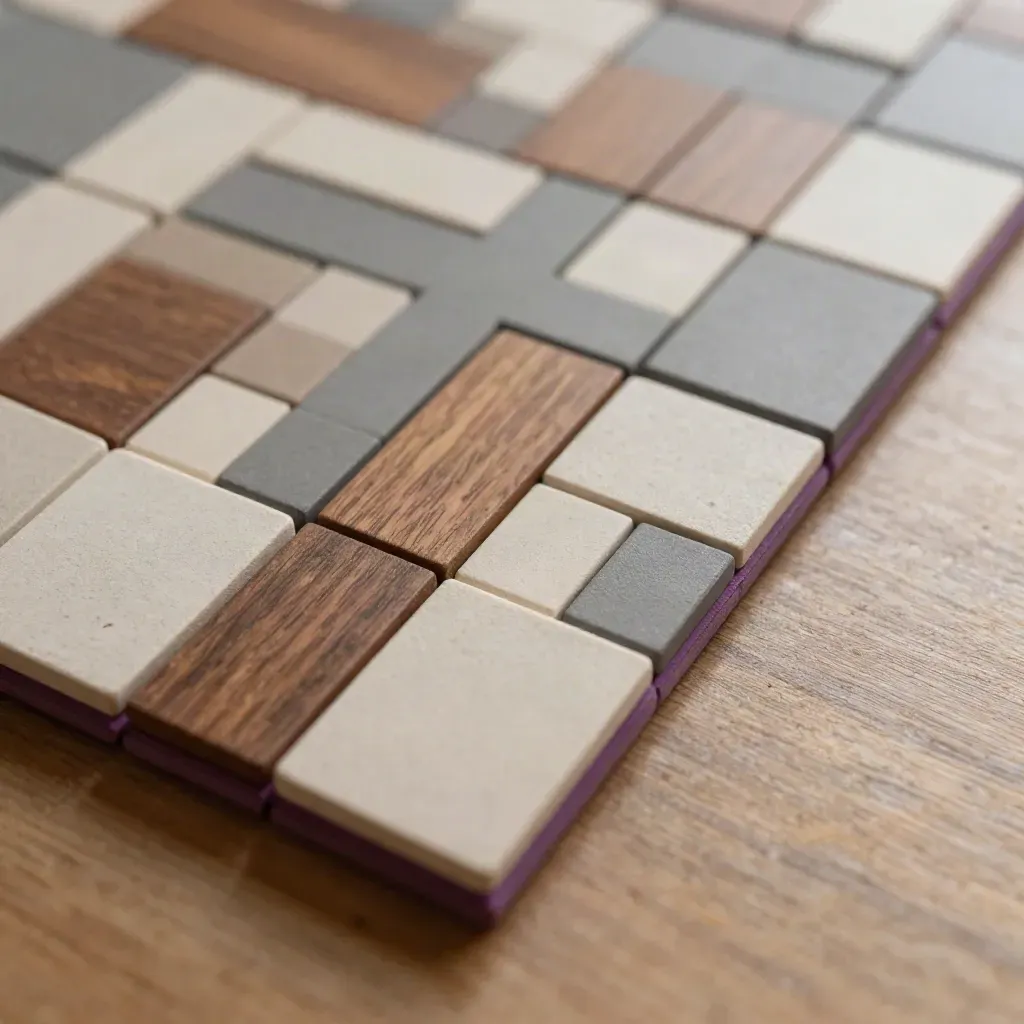
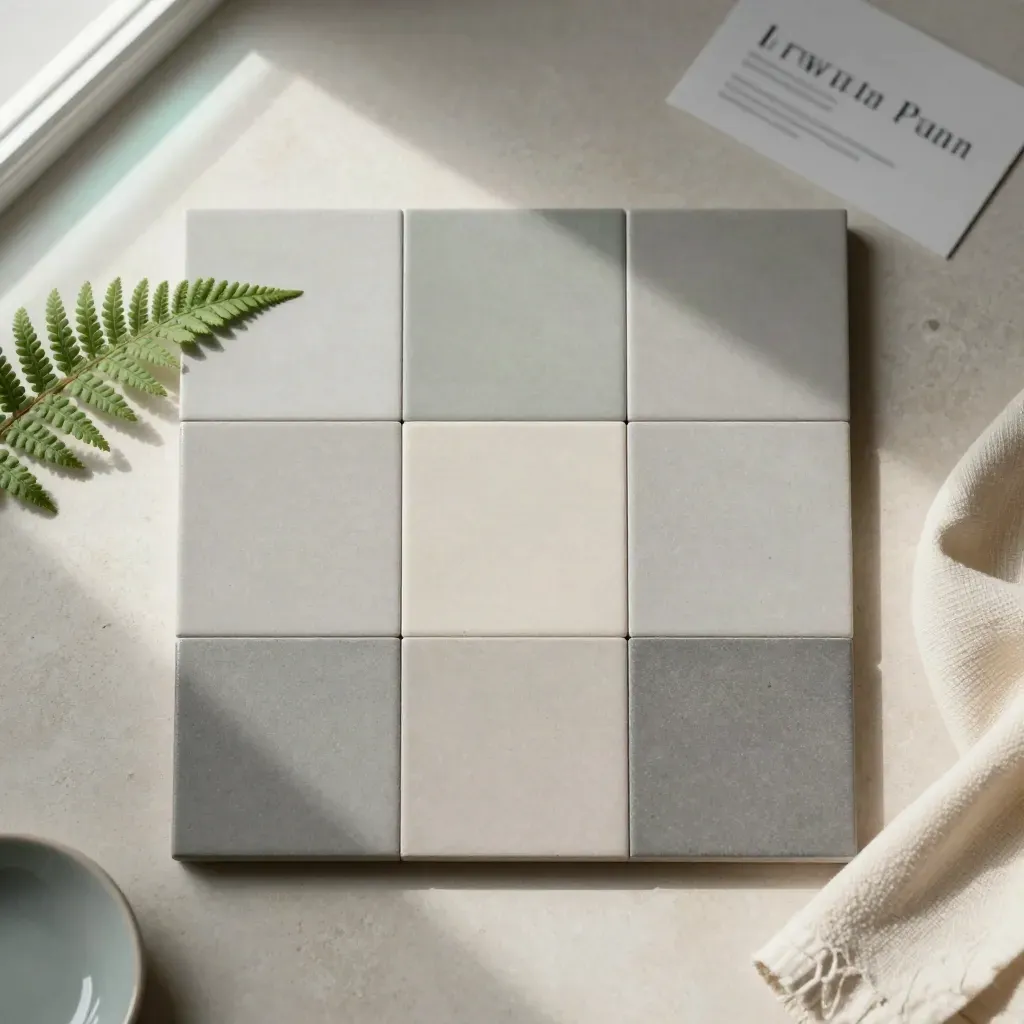
Build floors, walls, and paths with repeat parts.
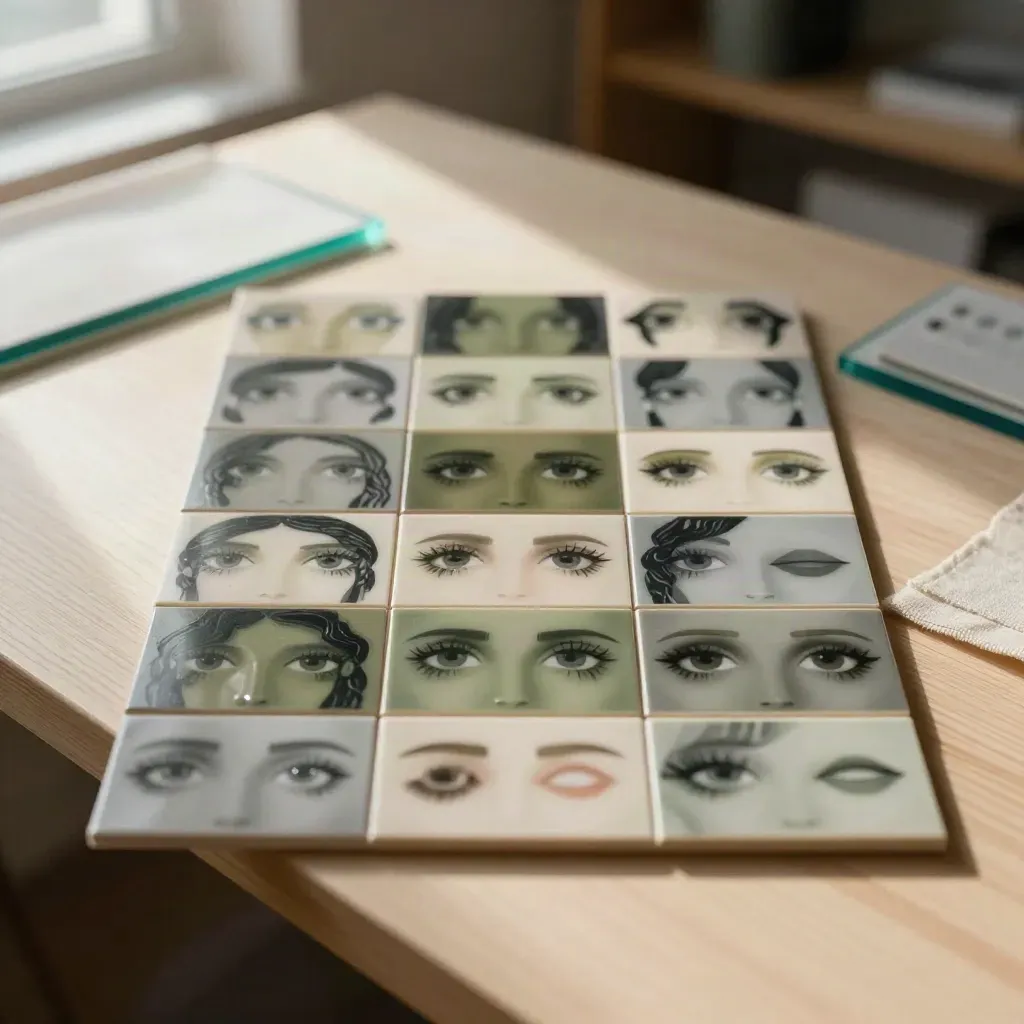
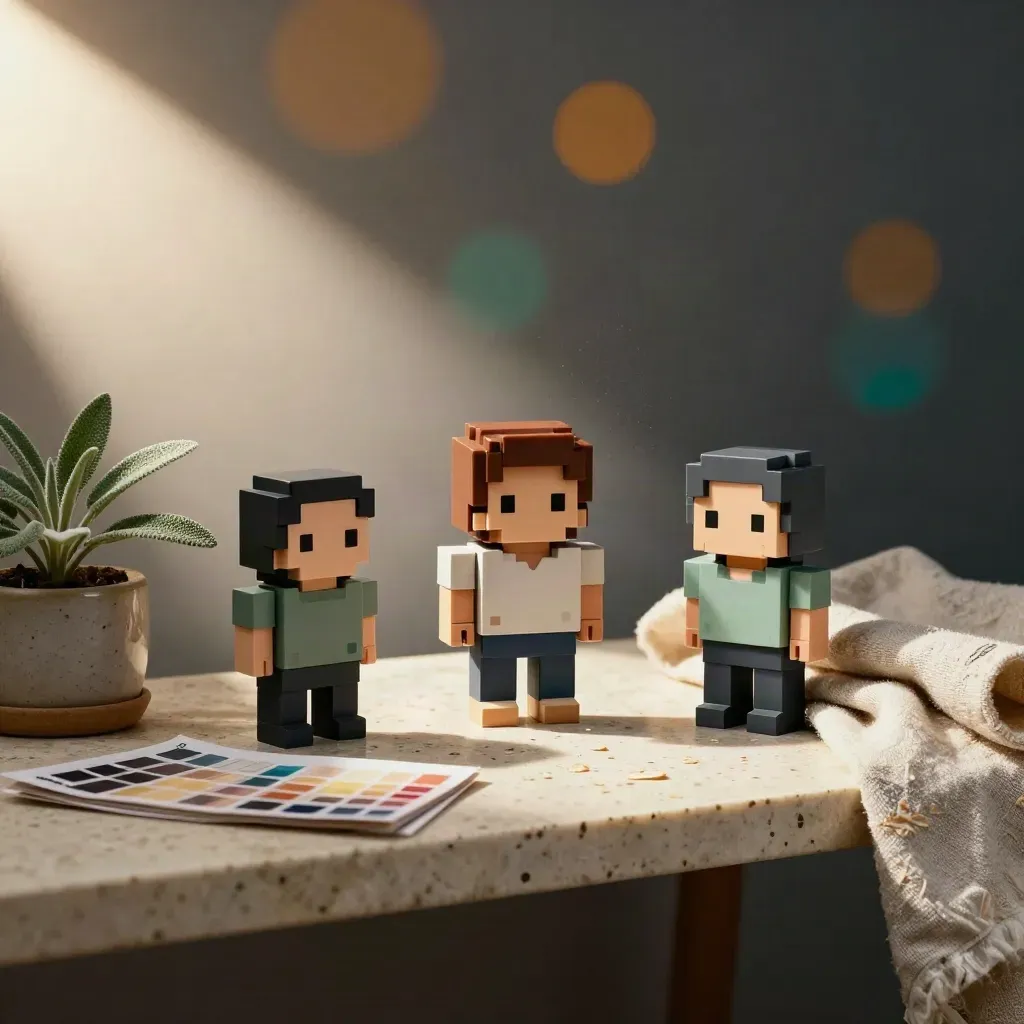
Keep eyes, hair, and mouth shapes easy to swap.
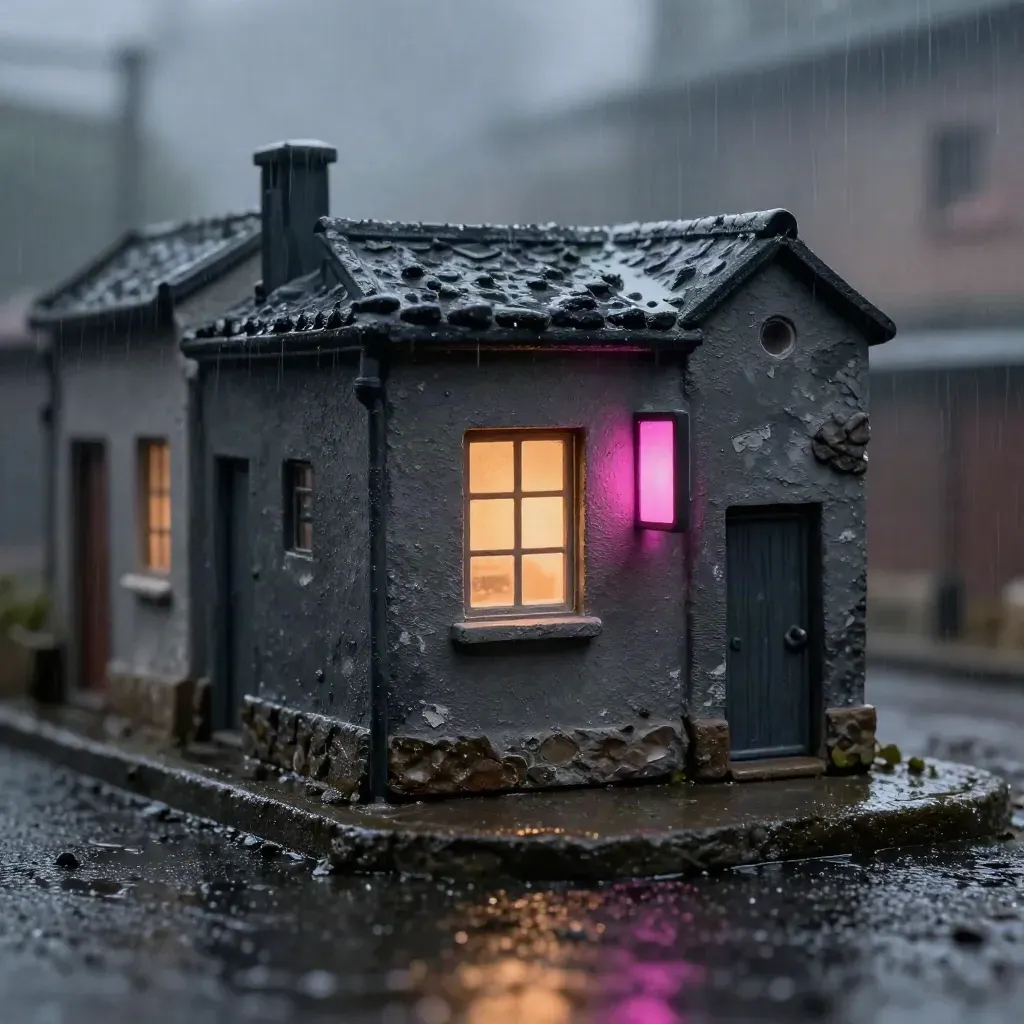
Use one bright color to make signs and windows pop.
RESOURCE
RESOURCE

SPOTLIGHT
SPOTLIGHT
TOPICS
Learn pixel counts, clean lines, and small shapes that stay sharp.
GUIDE
Learn pixel counts, clean lines, and small shapes that stay sharp.
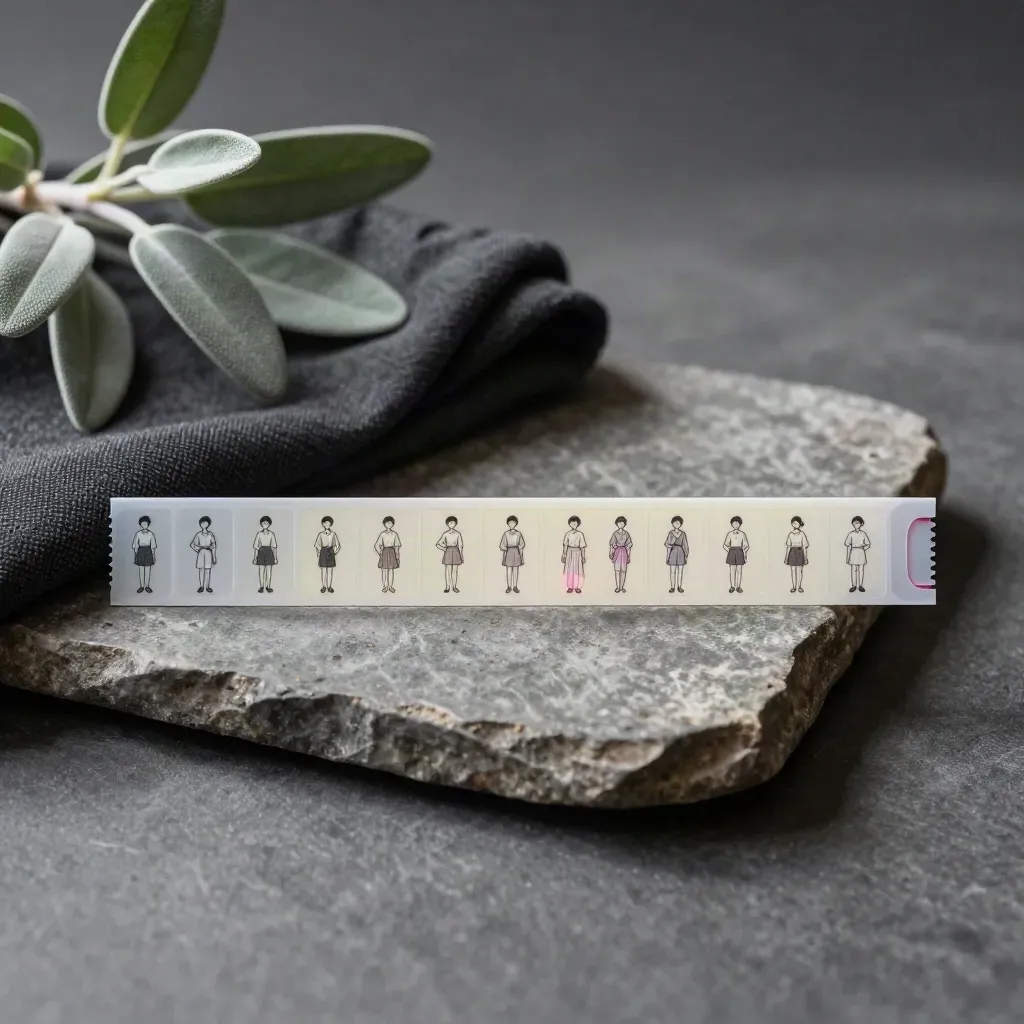
TIPS
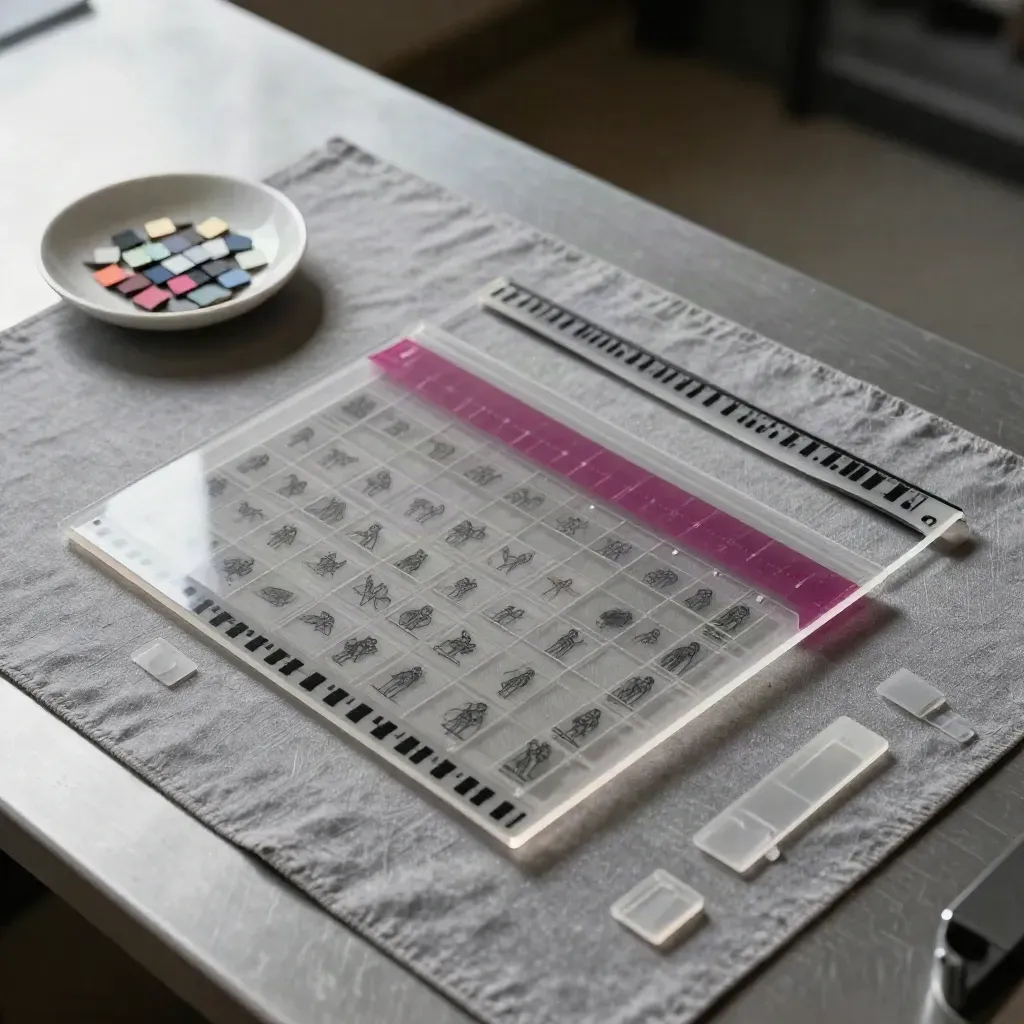
See how to line up frames for walk cycles, idle poses, and attacks.
TRENDS
Read short chats with pixel artists, illustrators, and indie devs.
GUIDE
Try set prompts for scenes, props, UI, and character sheets.
pixel art posts
pixel art posts
artist profiles
artist profiles
tutorial finish rate
tutorial finish rate
Community
“The grid tips made my first sprite sheet much easier to finish.”
Ava Moreno
Indie artist, Lantern Kit
“I use the color notes on every character I draw now.”
Jayden Cole
Lead sprite artist, Sunloop Studio
“The gallery layout gives me ideas before I open my canvas.”
Priya Nair
Freelance illustrator, Dotline Works
SPOTLIGHTS
Clean packs for heroes, props, menus, and tiles.
FEATURE
Clean packs for heroes, props, menus, and tiles.
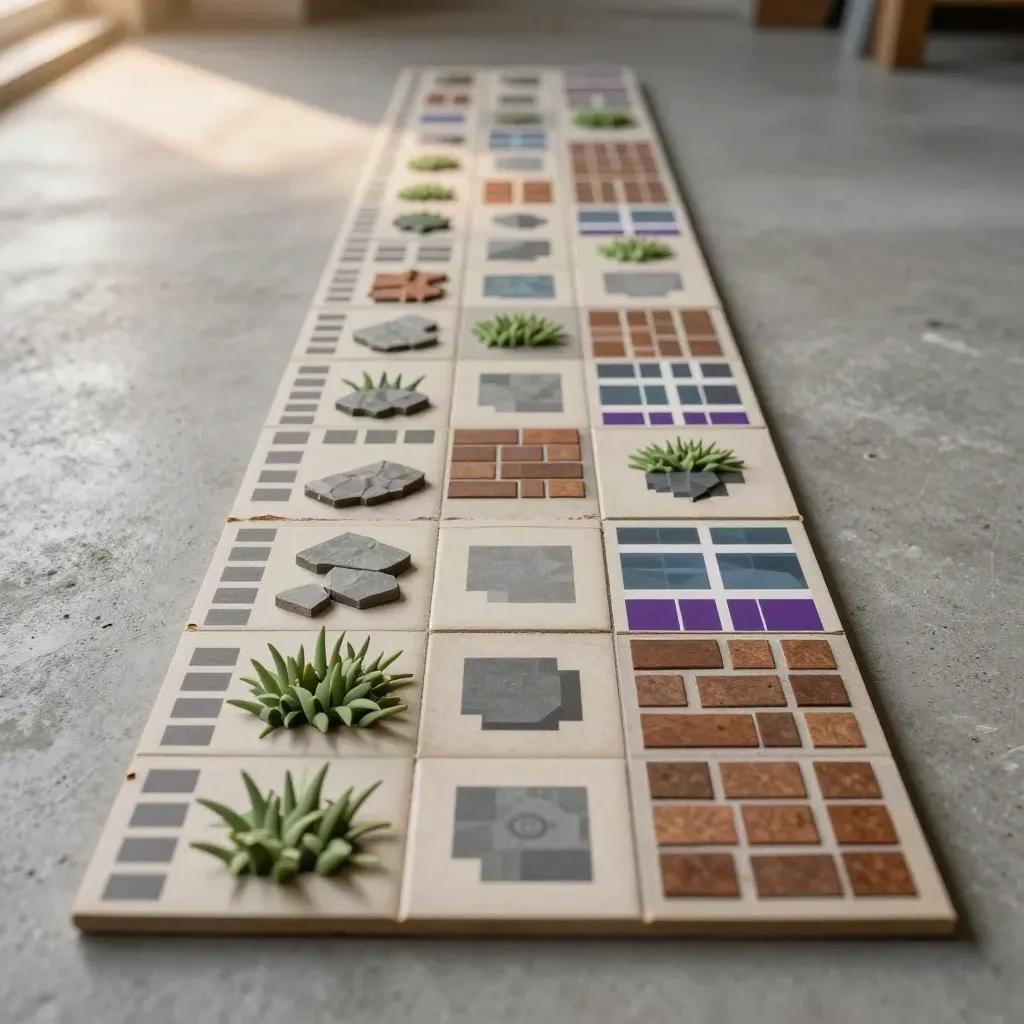
Build a small world with repeat parts.
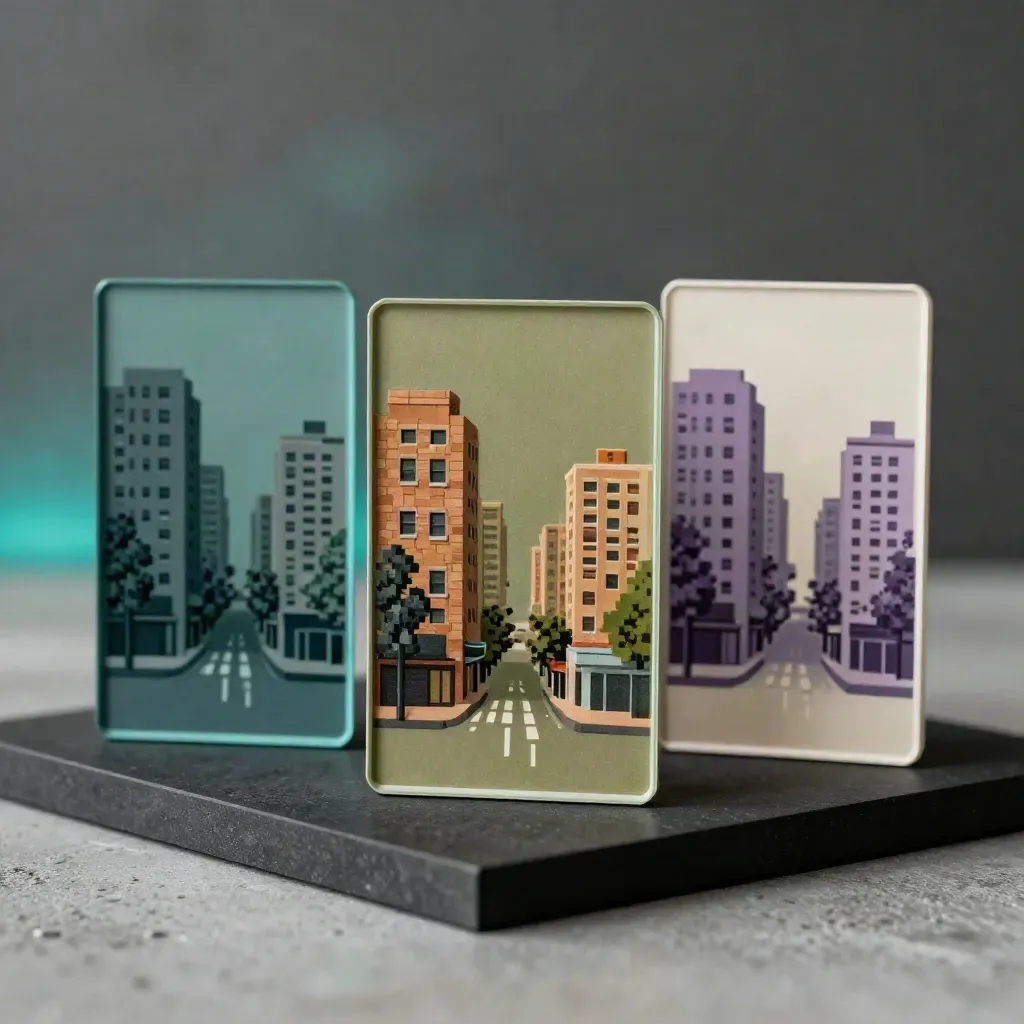
Keep one scene fresh with simple shade changes.
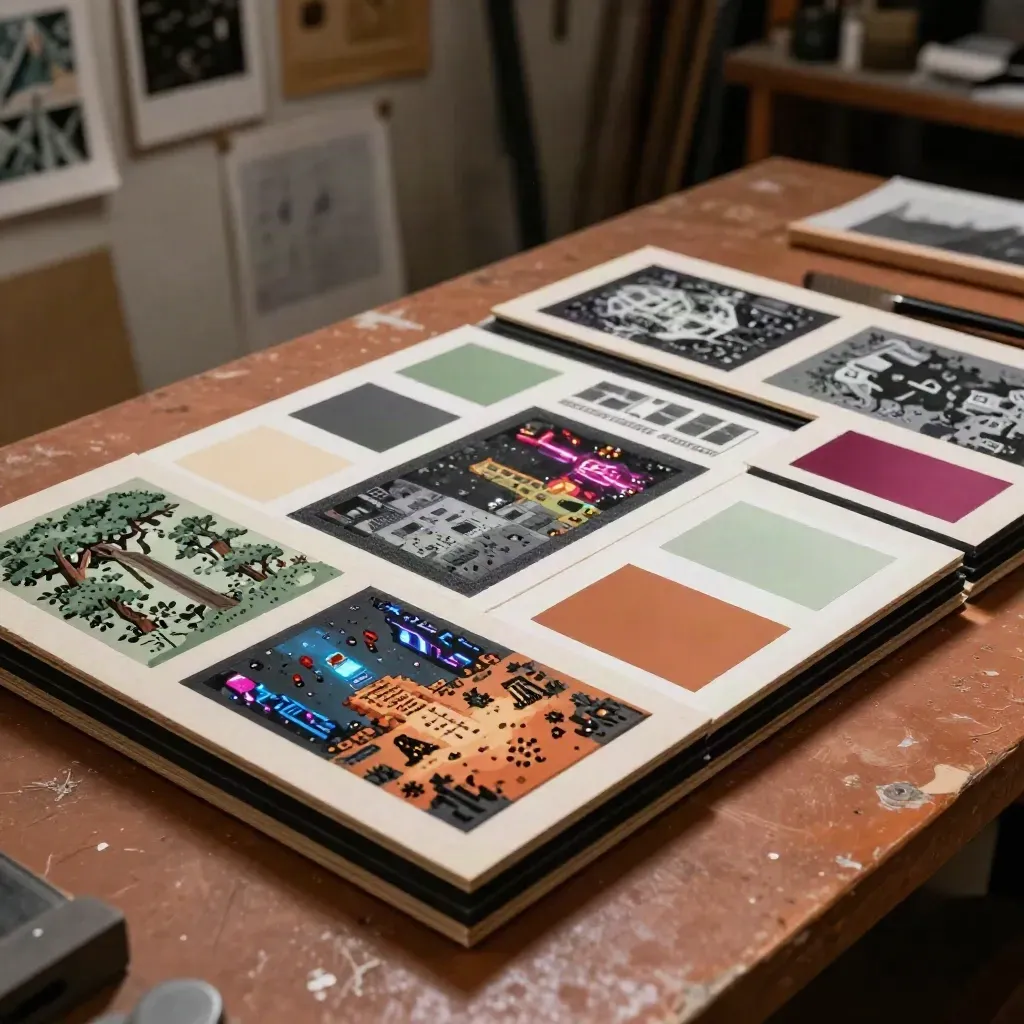
COMMUNITY
See monthly prompts and top entries from the community.

A short chat with a pixel artist who paints city lights.
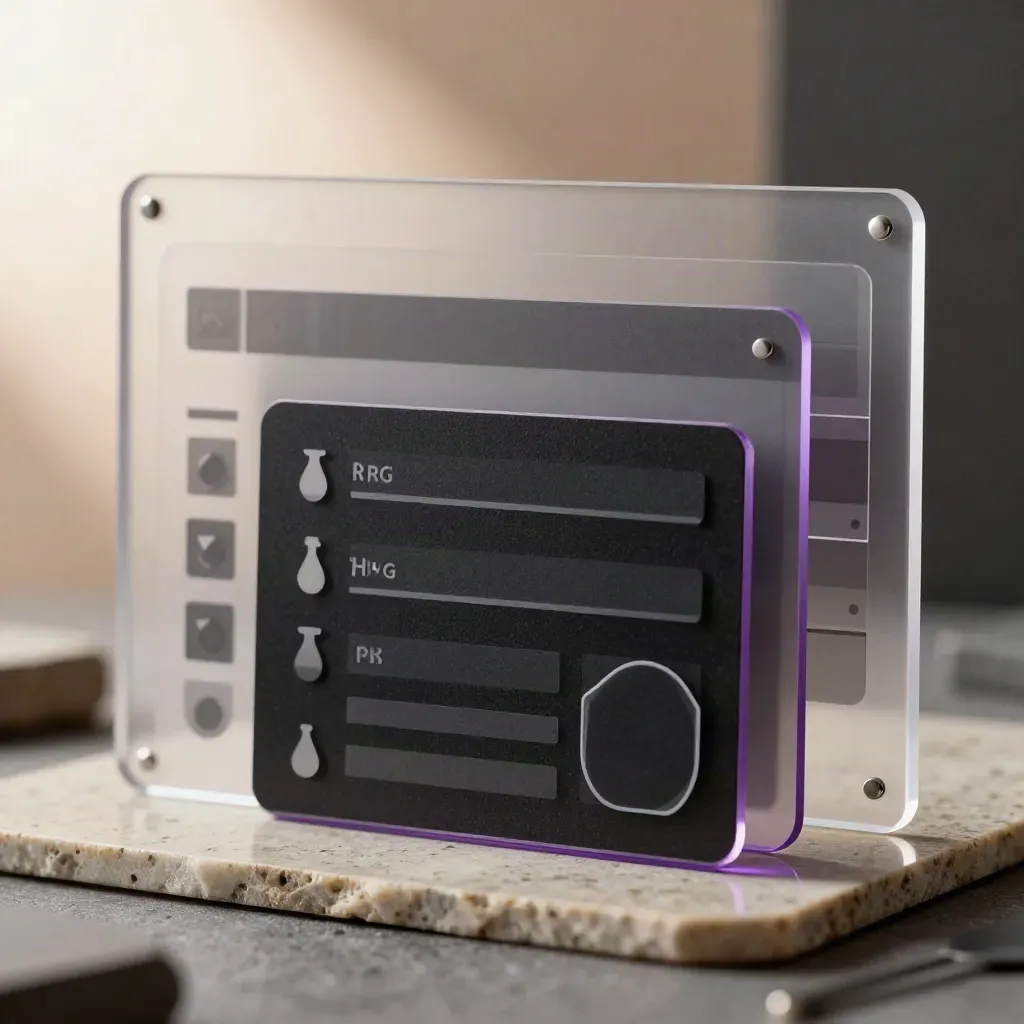
Bars, icons, and frames made for indie menus.
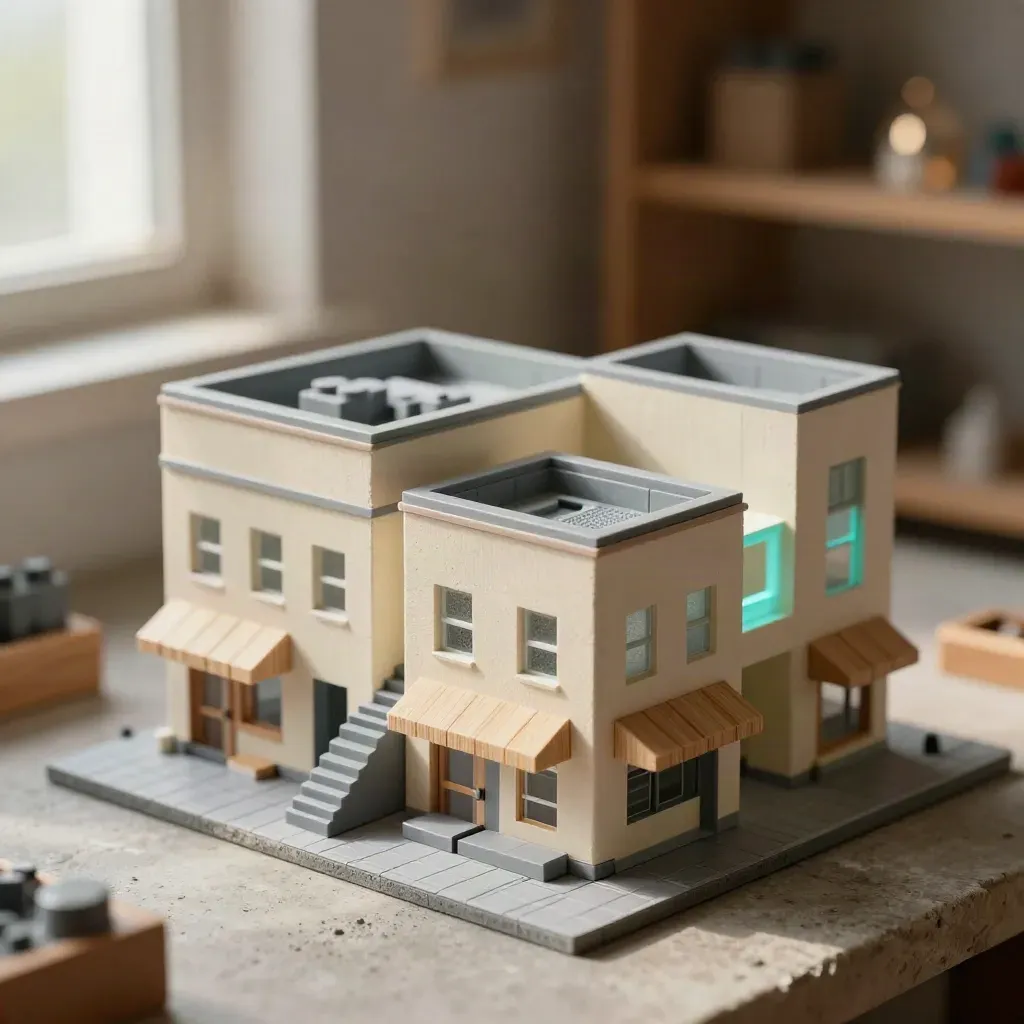
Try small props and buildings with a clear grid.
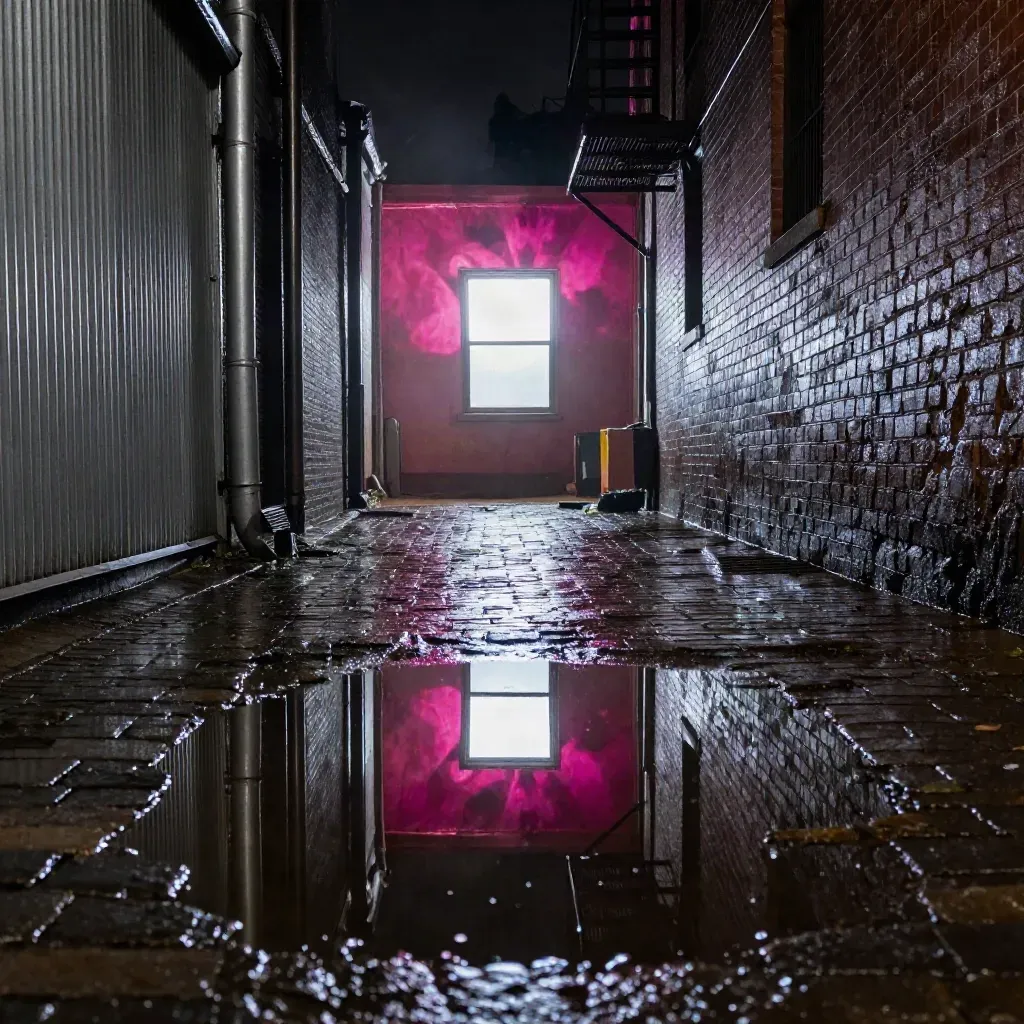
Dark skies, glowing signs, and simple light tricks.
Journal




Questions
Quick answers before visitors choose a product, service, or next step.
It is for game artists, illustrators, indie devs, and hobby makers who want clear pixel art ideas and help.
Yes. Start with grid basics, shade rules, clean outlines, and small practice sets made for first-time pixel artists.
Yes. Share finished pieces, WIPs, and sprite sheets, then join comments and challenge posts from other makers.
Yes. Read guides on player sprites, tiles, icons, and menu parts, with simple tips for clean sheets and tidy frame order.
New community prompts run each month, with themes for games, scenes, props, and character sheets, plus a few small rules.
No. Most reads, gallery posts, and challenge pages are free, so you can start right away with no sign-up fee.
Get one short email each week with new galleries, tutorials, artist spotlights, and challenge prompts for game artists and hobby creators.